

Google Calendar
Connect Luna Salud to Google Calendar and keep your schedule in sync across all your devices. When patients book, it just appears.
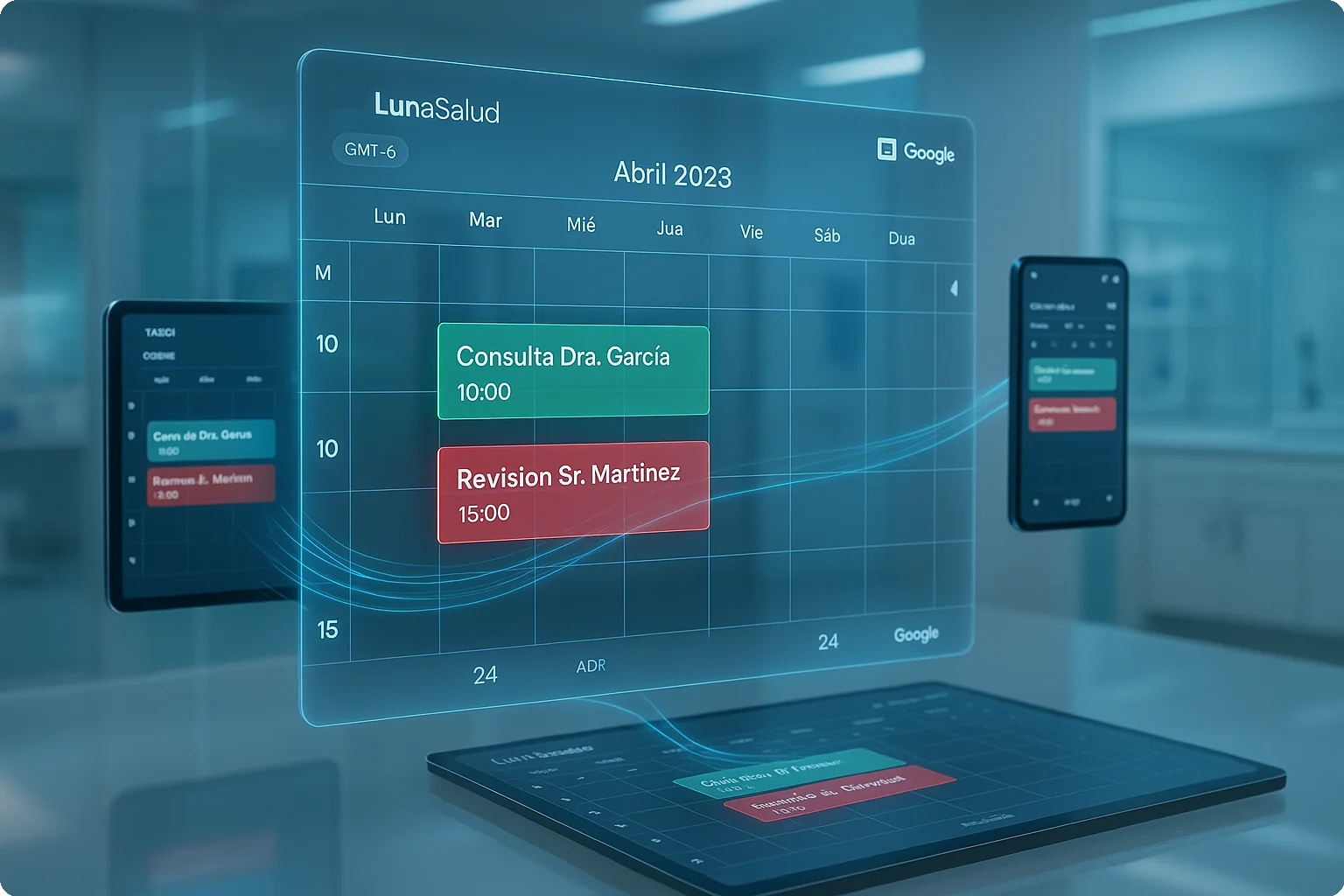
If you're like most doctors we work with, you probably live in Google Calendar. So we built Luna to meet you there.
When a patient books an appointment through Luna Salud, it shows up in your Google Calendar automatically—with their name, appointment type, and any notes you need. And it works both ways: block off time in Google, and Luna knows not to schedule anything there.
What this actually means for your day:
- No more checking two calendars to avoid conflicts
- Your schedule travels with you on your phone, tablet, whatever
- Staff can see availability without calling you
- Google's built-in reminders keep you on track
- Changes sync instantly—no refresh needed
Why Google Calendar?
Look, we could have built our own calendar app. But why? Google Calendar is already on your phone. Your staff knows how to use it. Your family events are there. Instead of asking you to learn something new, we just made Luna work with what you're already using.
See it in action
Here's a quick walkthrough showing how to connect your calendar and start syncing appointments:
Connect your calendar in 2 minutes
Seriously, this is quick. Here's how:
- Log into Luna and head to Calendar
- Click the ⚙️ Settings gear (top right corner)
- Hit Sync calendar
- Google will ask for permission—click Allow
That's it. ✅ Your appointments will start syncing immediately. New bookings show up in Google Calendar within seconds.
Having trouble? Reach out to us at soporte@lunasalud.mx and we'll walk you through it.

.png)
